
No products in the cart.
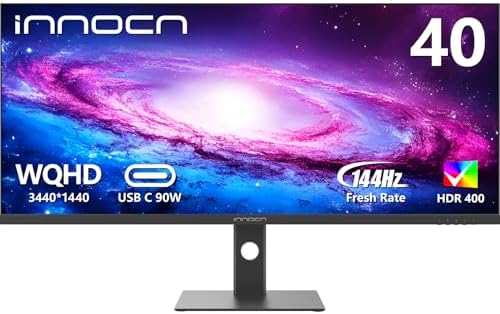
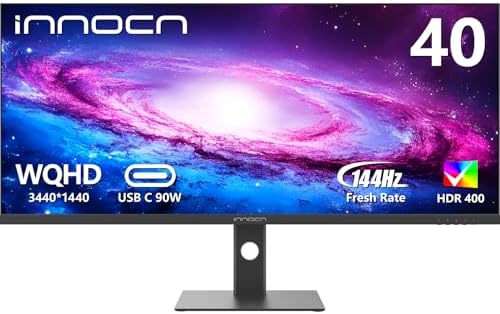
INNOCN 40C1R Ultrawide Monitor 40″ WQHD 3440 x 1440p 144Hz FreeSync Premium HDR400 21:9 Computer Display 95% DCI-P3 500Nits IPS USB Type-C HDMI Tilt/Height Adjustable, Mountable : Electronics
$559.99
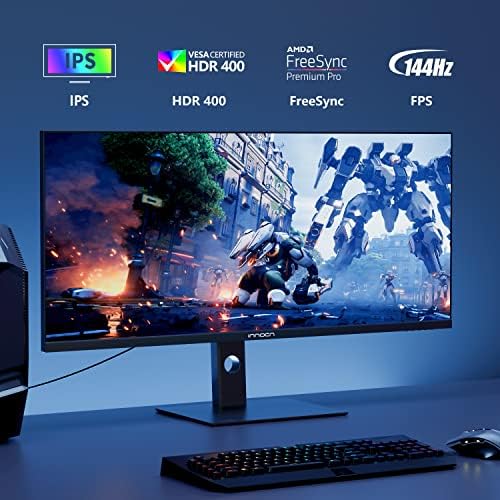
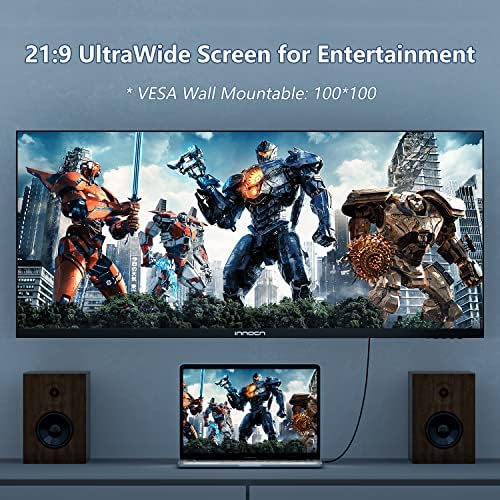
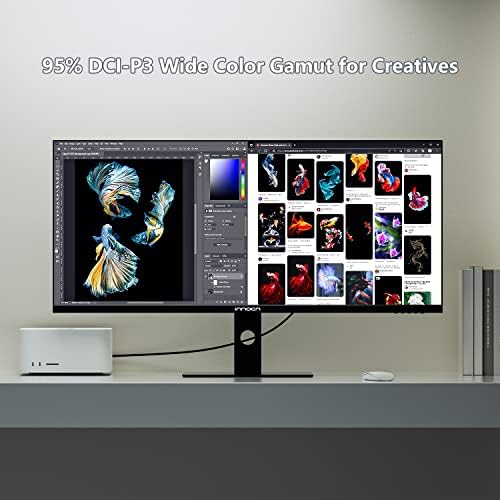
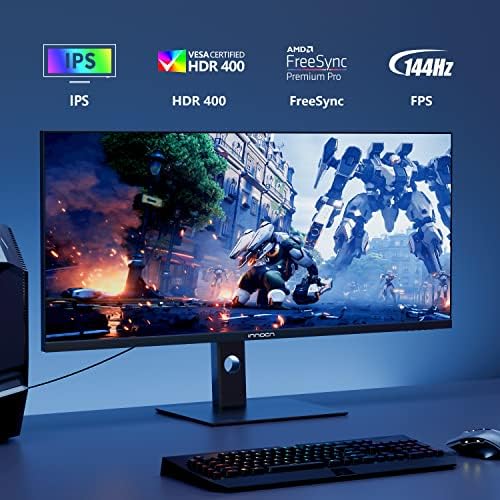
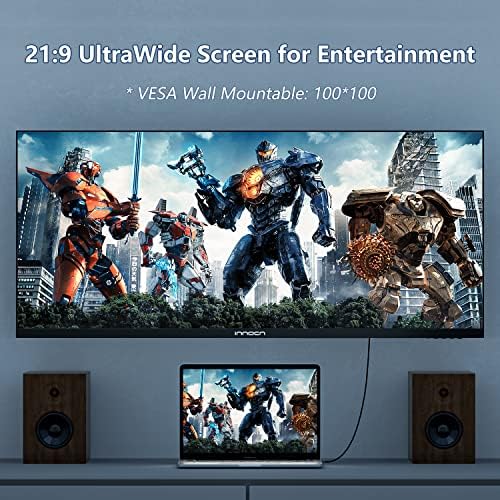
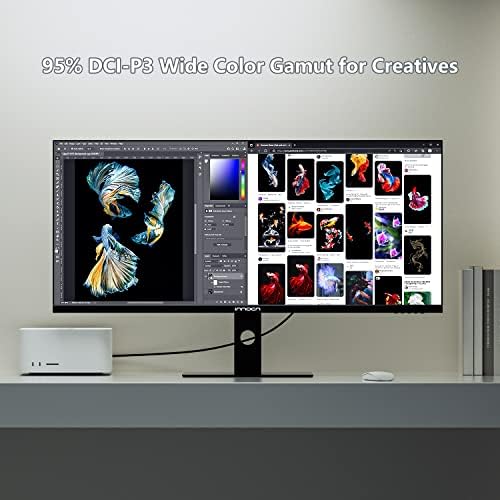
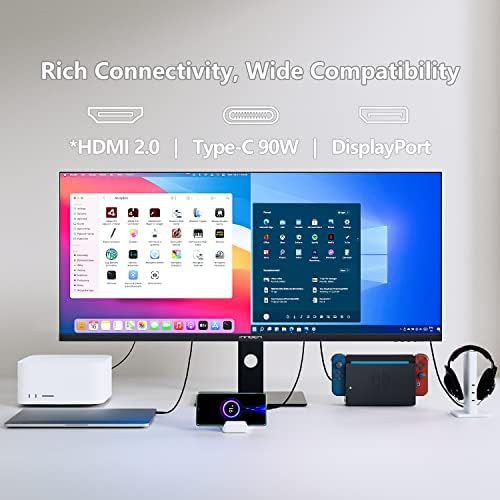
About this item 【21:9 Ultrawide Computer Gaming Monitor - 40"】 Premium ADS panel delivers high resolution 1440p 144hz monitor for gaming, 21:9 ratio bring more wide visual than normal 16:9, +18% viewable area than 34 inch gaming monitor, capture game details more clearly for quick response. 144Hz(DP), 100Hz(HDMI). Tilt / Swivel / Height Adjustable meet different viewing visions 【AMD FreeSync Premium & HDR 400 & & 500Nits Brightness】 INNOCN 40C1R computer monitor adopt high dynamic range (HDR) technology with professional color gamut (95% DCI-P3) delivers high contrast 1200:1 and color performance that meets the Display HDR 400 and AMD FreeSync,…
| Size | 40 Inch |
|---|---|
| Style | 1440p 144hz, 2160p 100hz |
| Aspect Ratio | 21:9 |
| Screen Finish | Flat |
| Contrast Ratio | 1200:1 |
| Refresh Rate | 144 Hz |
| Display Type | LCD |
| Display Technology | LCD |
| Viewing Angle | 178 Degrees |
| Brightness | 500 Candela |
| Has Color Screen | Yes |
| Picture Quality Enhancement Technology | HDR400, 95% DCI-P3, AMD FreeSync Premium |
| Screen Size | 40 Inches |
| Item Dimensions D x W x H | 5.71"D x 5.71"W x 15.75"H |
| Item Weight | 15.74 Kilograms |
| Resolution | QHD Wide 1440p |
| Display Resolution Maximum | 3440 x 1440 Pixels |
| Native Resolution | 3440×1440 |
| Voltage | 220 Volts |
| Is Electric | Yes |
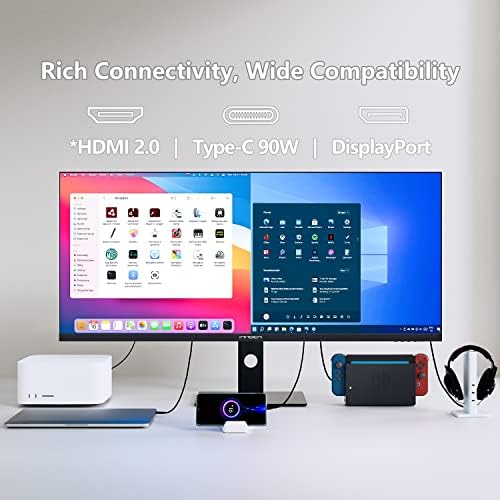
| Connectivity Technology | DisplayPort, HDMI, USB Type C |
| Hardware Connectivity | DisplayPort, HDMI, USB 3.0 Type C |
| Adaptive Sync | FreeSync |
| Additional Features | High Dynamic Range |
| Specific Uses For Product | Gaming, Photo Editing, Video Editing, |
| Color | black |
| Mounting Type | Wall Mount |
| Compatible Devices | Laptops, desktops, gaming consoles, and other devices with USB Type-C, HDMI, or DisplayPort |
| Warranty Type | 1 Year Manufacturer Warranty |
| Shape | Rectangular |
| Brand | INNOCN |
| Model Number | 40C1R |
| Model Name | 40C1R |
| Country of Origin | China |
| Manufacturer | Guangxi Century Innovation Display Electronics Co.,Ltd |
| Built-In Media | 1 x DP, 1 x USB C, 2 x HDMI, 1 x 3.5MM Audio Jack |
| Warranty Description | 1 year |
| Best Sellers Rank | #3,281 in Electronics (See Top 100 in Electronics) #139 in Computer Monitors |
| ASIN | B09N3G9T16 |
| Customer Reviews | 4.2 4.2 out of 5 stars (1,200) var dpAcrHasRegisteredArcLinkClickAction; P.when('A', 'cf').execute(function(A) { 4.2 out of 5 stars |
| UNSPSC Code | 43211900 (Computer displays) |
| Response Time | 1 Milliseconds |
| Total Number of HDMI Ports | 2 |
| Total Usb Ports | 1 |
| Number of Component Outputs | 4 |
| Total USB 3.0 Ports | 1 |
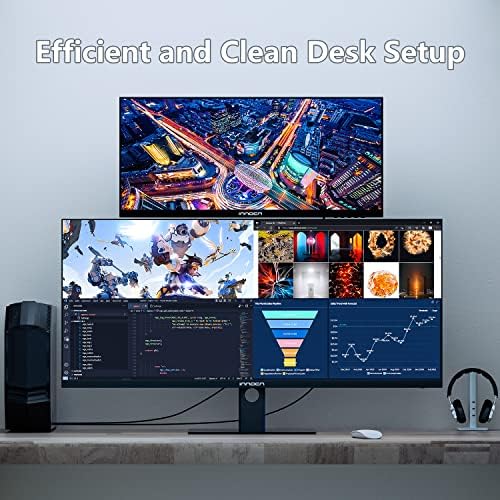
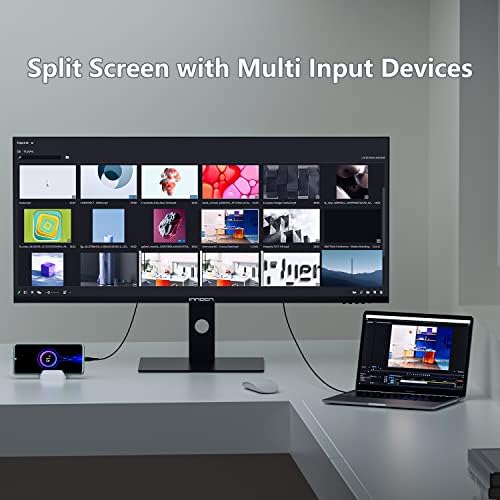
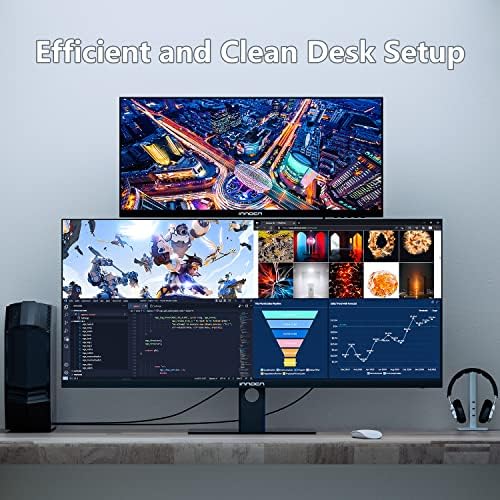
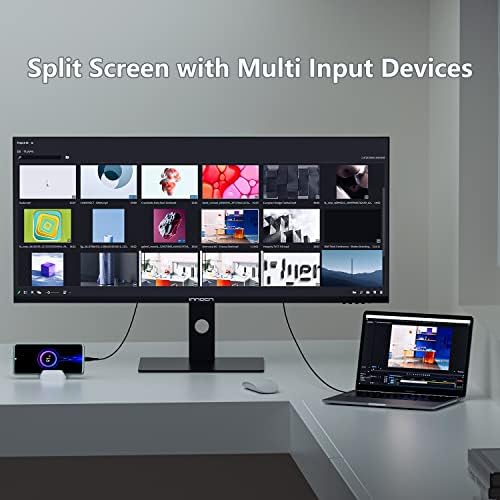
| Feature | 【Split Screen for productivity】 Equipped PBP/PIP technology which can enhance the productivity for multi-tasking such as data analysis, photo / video editing etc, you will not go wrong with any details, produce more fun and innovative things with INNOCN monitor. |
10 reviews for INNOCN 40C1R Ultrawide Monitor 40″ WQHD 3440 x 1440p 144Hz FreeSync Premium HDR400 21:9 Computer Display 95% DCI-P3 500Nits IPS USB Type-C HDMI Tilt/Height Adjustable, Mountable : Electronics
Only logged in customers who have purchased this product may leave a review.
TharjaTharja –
I got lucky?
Just to start off i’ll say I’ve been using this monitor for about 2 weeks now.This review was done in HDR mode exclusively on the 5 pics ive posted all in HDR modeDoctor Strange for some reason my phone picked up alot of blooming on that shot alonethink of that pic with like 80% less bloomingJohn Wick All round the monitor did it fine with HDR even in dark scenesThe Callisto Proto. limit the nits to 400 and set the brightness rightGenshin Impact use of fake HDR think the game looks fineValkyrie Elysium game really looks good on this monitorThis is the Innocn 40″ ultrawide 144hzI tested this monitor with a 3080 RTX and a PS5i’ll give the quick for using with a PS5this monitor has HDMI 2.0 [supposedly] this should be able to output at HDMI 1440p 120hz no problem however this monitor over HDMI cannot output a proper 1440p signal 16:9turning on Freesync premium will give u a stretched out 4K signalturning off Freesync and putting ur PS5 to 1080p will give u proper aspect ratio and 120hzmind you I only bothered testing it for the fun of it [MW2] <–[1080p 120hz]now for PC usePeople have said HDR looks bad on this monitor that is not true at all.Its passable its not OMG good but its passable most reviews ive seen mentioningthis must have only turned on HDR through windows and not changed the HDR settings on the monitor.If you turn on HDR only it will give u a washed out image HOWEVER turn on HDR windows and Monitor and the colors display properly.I’ve watched a couple of HDR movies on this screen [John Wick/Joker/Inception/Intersteller/Dark Knight/Doctor StrangeSo for gaming it has done pretty well with the single player games no screen tearingthe screen is extremely bright and colors are spot onhowever the same cant be said for Modern Warfare 2 when it comes to screen tearinghowever that is because I most likely forced G-Sync on the displayIf you want saturated colors ofcourse than just dont use HDR and ur seton most reviews I’ve seen on this site I can sayThe blooming isnt as bad as ive seen on pictures [Mine on doctor strange was weird cause i dont see that blooming unless on camera.]this screen does indeed work on PS5I did not get a single dead pixelHDR is not as terrible as people say [Its not as good as my LG Oled but cmon this is $400]the refresh rate does do 144hz this is a Native 144hz 3440x1440p screenhonestly if you have the pc specs for it take a shot this monitor will not disappointfor $400 with these specs its insaneFor comparison I own a LG CX and Alienware Oled
32 people found this helpful
MICHAEL RANDLEMICHAEL RANDLE –
Far better than the price would indicate!
I’m at my computer 12 hours a day with a mix of work (Powerpoint, Excel, Email), gaming, photo/video editing, and watching content – generally YouTube or movies. I had been looking for a monitor that can do it all: good resolution for work, decent refresh rate for gaming, color accuracy for photo/video work. An OLED was out of the question as menus and borders are almost always on-screen and I keep monitors for a long time and VAs lack accuracy and viewing angles so an IPS like this fit the bill. I was expecting to pay 800-1200 to get all of that and really rolled the dice on this INNOCN. While I’ve only had this monitor a few days it has been fantastic so far!It came color calibrated and it renders well compared to my LG 34″ ultrawide. I had no problem turning on high refresh in Windows and in the monitor. While it advertises freesync premium it seems to work fine with G-Sync and I’ve had no issues in V Rising or Cyberpunk. I run my monitors pretty dim to reduce eye strain but at full brightness it’s plenty bright for all but the brightest rooms.There are some down-sides. HDMI ports are only v1.4 so you’re not going to get high refresh from them. If you’re hooking this up to a PC, use displayport. Neither Xbox nor PS5 support widescreen gaming so you’re already going to have to deal with black bars on the sides as well as 60hz refresh. The USB-C port supports power delivery which is nice but is still stuck at 60hz for video.Some folks highlight the pixel density as a negative given this monitor is the same resolution as the popular 34″ 1440p ultrawides. If you’re sitting close enough that you are peeping individual pixels then you are probably sitting too close to take advantage of a monitor this size without some neck strain – and likely also dealing with reflection and angular discoloration as well. If you compare to other common resolutions – the PPI is slightly higher than a 1080p 28″ monitor (93 vs 78). It’s about 10% lower than the 34″ variant (93 vs 109). And it’s almost the same PPI as the very popular 48″ 4k LG C1 (93 vs 91) – and there are no complaints about PPI with that monitor because the expectation is that you are not sitting right on top of it. That said, if you don’t have the desk space or mounting options to get the monitor 3′ or so from your face then maybe consider a smaller ultrawide or traditional aspect 4k monitor.The menu is a bit dated. Luckily I don’t have to deal with it much but if you are the type that are constantly switching things up then it could be a pain. I prefer the joystick on my LG and even that isn’t great.It came with a heavy-duty stand with a steel base plate and very little branding or obnoxious logos or leds or what not. Just a simple ‘INNOCN’ in the middle of the bottom bezel. I installed it on my existing monitor arms using supplied standoffs for a VESA mount.I managed to get an exceptional deal on the monitor at $375. It’s hard to imagine a better value monitor at this price. I’d expect to spend twice that to get a similar feature set and even that would likely be a smaller 34″ ultrawide. At the $600 MSRP the value prop is reduced and it may be worth looking at more popular brands just for their track record.Assuming this monitor doesn’t prematurely crap out on me it may be the best value-for-dollar purchase I’ve made for this build.In the images, the left monitor is the INNOCN, bottom right is an LG 34UM88C, and above it is a 23″ 1080p HP E232.
143 people found this helpful
James Davis –
Great for price, I’m just picky
TLDR; Would recommend for productivity but not (fast) games, be prepared for quirks. Overall, it didn’t meet my specific needs.Pro:Budget friendly, great picture, feels well built.Cons:Not idea for FPS despite the response time, firmware feels flaky.Let me start off by saying this is a decent monitor for budget constrained buyers. I purchased this primarily for my work machine for some extra screen real estate replacing my 8-year-old 38″ QHD+ monitor. The picture and response time is much better than what I had, so I will say that even though I don’t recommend it for FPS gaming it really did well for other games, and I was impressed given the price.My biggest gripe is the built in USB switching is sub optimal and its ability to sleep/wake properly using the hub was a productivity drain. I tried it for a couple of weeks and found it to be annoying enough to mention in this review. My work machine has a (very) aggressive sleep policy, and I ended up having to tap a button on the monitor to wake it up instead of tapping the keyboard many times a day.Secondly there is no software or programmable quick keys to control the switching. This switching/sleep/wake behavior is why I took away the star.Is that a petty thing? Yes. Could I adapt? Yes. Does that change my mind? No.If you are not using the USB switching capability or are using a dedicated KVM then this is probably not an issue.Equipment used:MacBook Pro M1 with USB-C docking station connected via single USB-C connectionRyzen5 2600; RTX 2700 Super via Display Port and USBNote:I had similar experiences as other reviews concerning G-Sync. This monitor doesn’t advertise that compatibility, so I am not taking anything away because of it but want that statement to be in the reviews for those looking.
10 people found this helpful
Darth Earl –
Tremendous value for the price
This is a great monitor and for $89.99 on sale it is a steal! Bought it for my home office so I could extend my laptop display to 3 screens.The stand extends to 12 inches vertical, pivots horizontally and vertically. It is very wide and very sturdy. No tools needed to assemble it.Comes with an HDMI cable. I didn’t use that, I needed a USB-C to HDMI which I bought separately. Worked great.Only issue is the power cord is only about 4 feet long. I’d prefer 6. But that isn’t a deal breaker by any stretch.Picture is great. Again, using it for work, not gaming or media viewing. But perfect for what I needed.
2 people found this helpful
Rosa Martinez –
Do not buy SCAM WARRANTY UPDATED dead after 8 months
Update 7/18/23 : monitor died after 8 months in. Have contacted innocn for warranty. Will update with results throughout the whole process.Update: 7/19/23 innocn refused to back up their warranty and says my computer 5900x 3080ti is faulty. Changed review to one star and do not buy! Have contacted Amazon.Update 7/19/23 after revealing I’m actually a social media influencer company has changed its tune. We have also contacted amazon about the fact warranty refusals like this are illegal in the usa. They are trying to make good but funny thing even the information they requested on the back of the monitor doesn’t exist. We have advised do not buy only for the extremely poor customer service with warranty replacement. We have contacted their social media team about our experience to see if they plan on changing their habits. Will update with more.7/19/23 Shocking how poor customer service is. They asked why our receiving address and person talking to them is different than the current address even though the warranty is listed as the address we use. We review and host tech forums and not necessarily out of our homes duh. We also informed them that’s a no no under the law. A person could have received it as a gift that’s the whole point of a warranty registration.Updated 7/21/23: no longer is innocn trying to make it right. They have ghosted us after saying they will send us a shipping label to get us a replacement. Reported to BBB as scam. Don’t buy from this companyUpdate: 7/24/23 Innocn will not honor warranty again and now will not honor the warranty because the warranty registration and the amazon account name are different even though it was my credit card and my name that purchased it. It’s truly amazon how much effort they put into avoiding their own warranty.Update 8/22/23Now over a month into the warranty process. They did finally accept the monitor back but did not process it until I asked why there has been no progress after they received it. Thankfully I kept the tracking number to prove they received it, but still have not received a refund as promised. Extremely disappointed in how this company does business is a understatement.Update 8/23/23I have finally received a refund after a grueling month and two days trying to deal with the warranty department. Be aware they will make you work hard for the warranty they say they offer. The actual time spent on transport of the defective product was less that a week but dealing with person after person who obviously do not want to help you makes this company a avoid at all costs. The product is not good enough or cheap enough to have to give up a month of your time. DO NOT BUYOriginal review: I cannot say how good of a deal this is. If it’s on sale for 400 and you don’t buy it your crazy. The colors are amazing and the sheer size I’d mind blowing. Great in games and photos. Just blew me away. I went from a Dell Ultrasharp because I wanted a higher refresh and was willing to sacrifice some picture quality but I didn’t. Same high end picture as the ultrasharps and 144hrz.
109 people found this helpful
Mister Tango –
Good price. Great functionality.
This is a cool monitor. I absolutely love the versatility with the rotation options. Build quality and screen resolution are amazing for the price. I had purchased a 4k monitor a week before this, and got this to orient vertically as a second monitor for referencing email, etc. while working with primary apps on the big 4k screen. I was expecting a very noticeable difference in resolution. And I wasn’t really expecting much in terms of the ability of the monitor to produce crisp text, etc. But honestly, I was very surprised! I have no problem seeing text. There’s certainly a difference between the 4k monitor and this. But it’s not dramatic. This makes a fantastic second monitor for me. And I still have yet to use it in landscape mode, so I’m looking forward to trying that at some point when the need arises. I think it could be fun for gaming. Of note, the rotation mechanism on this monitor is really great. The stand is engraved with markins that indicate degrees of rotation. And the height adjustability is impressive. Because this monitor can shift to a very long portrait orientation, when you flip it into landscape, you end up with an eye level that would probably require a physical riser on most other monitors. For me, that is a plus because I like to position my monitor high in order to encourage better posture. In the past I always have to put my monitor on something. I don’t think that would be the case with this one if I was using it in landscape mode. For just a little over $200, this was a great buy in my opinion. No dead pixels. Definitely worth trying as far as I’m concerned. I highly recommend it. Incidentally, the 32″ 4k monitor I bought is the same brand. Another fantastic product!
5 people found this helpful
Juan SantiagoJuan Santiago –
Good Monitor
The media could not be loaded.
Before this I had the LG 34950F, and in less than 2 years it developed vertical lines (common issue), in my search I was looking for another brand, then I came across the Sceptre E415B-QUN168B, months later this one was in stock and I decided to give it a try, but I like better the base on this one.The price with the promotion was reasonable, the specs was similar to the Sceptre and it is Flat (I don’t like curve monitor).To use HDR activate it in Windows and in monitor settings and set the SDR content brightness to 100%, but it didn’t convince me, so I don’t use it.I just noticed that on my AMD System (3700x, RX 5700 XT), the memory clock stays at it’s maximum even at 60 Hz, only on 50hz went down to 200 Mhz, and creating a custom resolution with reduced blanking didn’t work, try to add LCD Standard value to CRU, but it can reach just 119hz not more, this consume more than twice GPU power resulting in more watts, with 50hz the GPU consume 11w – 12w, on 144hz 38 watts, increasing also the temp. My other setup uses HDMI with 100hz on a GTX 1070 TI with no problem, in my experience with other monitors, by using 120hz reduces the memory clock while idle,.Watching movies was a great experience, because it is Flat, I don’t get that fish effect, the games where amazing and this is where the monitor shines, it was great, did not notice any mayor ghosting, and the size was perfect, much immersive than the LG 34 inch.Update: I managed to add a 3400×1400, 144hz and 767.76 pixel clock and the display freeze and then no display, it was complicated to troubleshoot it, I end up swapping to an old RX 580 and one ram, boot in safe mode and run reset-all.+ Price with promotion+ Size+ Good color out of the box specially on sRGB+ Refresh Rate+ Flat (personal preference)+ PIP+ No pointless RGB+ Square Metal Base (No V shape, takes more space)+ Auto Input Signal+ Dynamic Onscreen Refresh+ DCR (Dynamic Contrast Ratio)- Packaging could be better, the metal base was loose when I opened it.- No protection to the screen on packaging except for the cover, screen had stains.- The arm does not click automatically on the monitor, had to force it.- Gap for cable management could be set higher to hide cables- The Dynamic Brightness (or whatever would be) its like always on with HDR active in Windows, and it’s not good (watch included video,)- Two displayports would be ideal for people with two systems.- OSD is a pain at first- No good HDR- Generic Windows Drivers- At the time of writing no information on manufacturer website- Update: Found one dead pixel in the right bottom corner, the task bar was hiding it.I just had it for few days, and I hope not to have the same experience as my last monitor. In the end, I don’t miss anything of the LG 34GK950F, not even nano-cell technology.I really like this monitor, it’s not perfect but the price was good.Update: After 2 years, keep going strong.
86 people found this helpful
Stony Bullfrog –
Prefect size to replace dual monitors.
Great monitor at an awesome price. Replaced my dual setup for this!
Darrel HiltDarrel Hilt –
Excellent Value 40″ Ultrawide for Mac Users
I purchased the Innocn 40C1U as a high-value ultrawide monitor, and for the price, it delivers exceptional productivity features, especially for macOS users. It’s a great choice, though it does have a few caveats.👍 The GoodEffortless Setup: Setup was simple and straightforward right out of the box, getting me up and running quickly.Desk Fit and Size: Despite its 40-inch size, it fits my 47-inch wide, 24-inch deep desk well, leaving adequate room for my laptop, keyboard, mouse, and other doodads.• Single-Cable Dream: The USB-C with Power Delivery (PD) and display support is a massive win. Being able to power my laptop and drive the display with one cable instantly cleans up the desk and is a feature I highly recommend.• Mac/Productivity Ready (With a Tweak): The PPI (Pixels Per Inch) is good enough for a productive Mac setup. It’s certainly not “Studio Display” level, but it is clear and sharp enough to make text look great. I found that using an app like BetterDisplay is an absolute must to properly enable HiDPI mode and unlock the monitor’s full potential on a Mac. 100 Hz refresh rate is awesome too.• Color Profile: After enabling HiDPI, I recommend switching the color profile to P3 or a similar wide-gamut profile for much better color reproduction.• Value: Overall, the value for money is outstanding for a monitor of this size and feature set.👎 The Cons / Areas for Improvement• Display Quality:• The brightness is only “meh.” It’s adequate for most indoor situations but won’t cut it in a very bright room. Can only run it at 100%•I didn’t test HDR, but by proxy it should be meh considering the brightness is meh.Ergonomics: I genuinely wish this monitor were slightly curved. Coming from a 49-inch ultrawide, the flat 40-inch display takes quite an adjustment. The edges of the flat panel are very noticeable and can feel a little far away.• Sound: The built-in speakers are extremely weak. Plan on using external speakers or headphones.In SummaryIf you need a large, high-resolution ultrawide for productivity and code with excellent single-cable USB-C connectivity, and you are prepared to adjust the settings (especially brightness and HiDPI), this monitor is a fantastic deal. If you are a media creator who needs true HDR or a top-tier brightness/contrast ratio, you should look elsewhere. For the most part this is fantastic for everyone.
2 people found this helpful
Doculean –
Good for the price, but things need clarifying.
I got this monitor used. Had to return it because of a flickering backlight issue with the panel.The build quality felt really nice. The stand was easy to setup, the monitor has a bit of weight for its size. I love that it was a flat paanel 40″ ultrawide. Im not fond of the curved panels, at all. So I was thankful to find a large format panel as this that was flat.This is labeled as an IPS panel. This needs clarification. It is an IPS-like panel made by a company by the name of BOE. They have made great strides to modifiy the IPS technology to advances its capabilities. So this is an panel made similarly to an IPS panel. While it does good at minimizing IPS glow, a total issue with all IPS panels, it falls short in other catagories. Namely what IPS panels are good for. Pixel Response.The pixel response, at least for IPS and IPS-like panels, leaves a bit to be desired. I was purchasing this panel to replace an Acer CG437K, which is a VA panel. This IPS-like was no clearer than the VA panel was. This panel did not have the smear from black pixel transitions like all VA panels do. The pixel in this panel are a bit slower than anticipated. Especially becaause they use the faster GtG measurement than the more indicative BtW or general color transition. So the pixel transition time was actually slower than an LG ips panel I had from 2016. Do not get me wrong. In most cases, this is quite a good panel. While pixel transitions are a bit slow, they are perfectly fine for non-esport gamers. Especially if you generally gamed or used VA panels. The contrast is very nice. Higher than average, thanks to the tech used to develope this panel. IPS glow was extremely minimal from what I noted. Using my eyes, no tools… The backlight was also very even. I noted very minimal DSE (dirty screen effect) when checking the color and patterns while doing a bit of simple calibration. For those who dont know. DSE, or dirty screen effect, is the uneven solid color uniformity normally noted when the screen is all white, grey or sometimes black. It can be noted in some other colors, but not normally. DSE is generally very easy to ignore when viewing bright multicolored images and motion scenes. Most all LCD panels can be affected by DSE, generally not OLED.The screen uniformity and color reproductions were actually GREAT. Vibrant and very even across the whole screen. Even at angles. This monitor was not too bright. It was stated to be close to 500NITs. Thats pretty good. But not full screen brightness. The backlighting has a type of local dimming that became quite annoying when seeing dark scenes. Creating columns of light that spanned from top to bottom where bright sections of the screen were lit up. So I left the local dimming off when I could. But compared to other mainstream IPS panels, the black levels left me not even worrying about using the local dimming.Now for those who wondered. This is a freesync panel, as stated, but do not use gsync with nvidia cards. This panel will start flickering and and dimming with even just the mouse movements. It was such a mess. But with freesync, the frame pacing worked almost perfectly fine. The hrz rate was nice and smooth. The higher hrz range helped with pixel clarity too.Again do NOT use these with GSYNC enabled.The build quality was really nice. The panel felt sturdy, stand didnt have too much wiggle with moderate movements. If you bumped the desk forcefully, yeah it will wiggle. But under normal circumstances the monitor was quite still. The snap that holds the stand to the back of the panel may need to be pressed firmly until it locks in place. I had to firmly press near the snap on mine. It held quite firmly afterwards. I had no worries about that. But make sure it snaps in properly. The stand took seconds to place.I had no issues with the display port, the cable worked great. I did not keep the monitor long enough to test the 90watt usb c power delivery. But they included a usb c cable for that. Mine did have a power cable, hdmi, display port, and usb c cable included.I do reccoment a second person to help with setup. Its not real heavy, ust a bit unwieldy. The panels controls, are clunky and generally a bit frustrating to use.For general gaming, watcing cartoons/movies, office work, and browsing the web. This monitor is just great. Text is clear and easy to read. The ultrawide format is expansive and immersive. At the right distance, I saw no color shift, and just loved the vision filling experience I got.A few little improvements, this would be a must buy. For this price, its a great buy. I would totally recommend it for general computing. And it is still clearer than a lot of VA panels, despite having slightly worse contrast than most VA panels do have.I am certainly going to check out future Innocin products. I hope they can keep the cost down, and continue to make such good panels. If they tweaked a few things, this would have been a fantastic panel for an IPS-like. And it still is a great panel. But dont expect top tier IPS visuals.
97 people found this helpful